Setting and Changing your Password
- Visit the Monash eResearch HPC Password Portal to begin.
You will see the login screen:
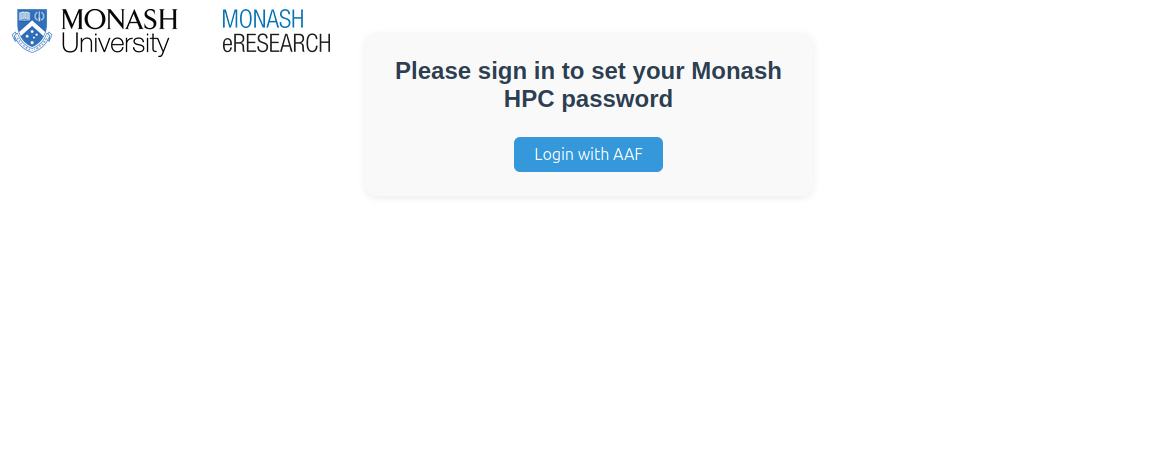
- Click Login with AAF.
- You will be redirected to the Australian Access Federation (AAF) login page. Enter your institutional username and password.
- After successful authentication you will be redirected back to the Password Portal where you can see your username and set your Monash eResearch HPC password.
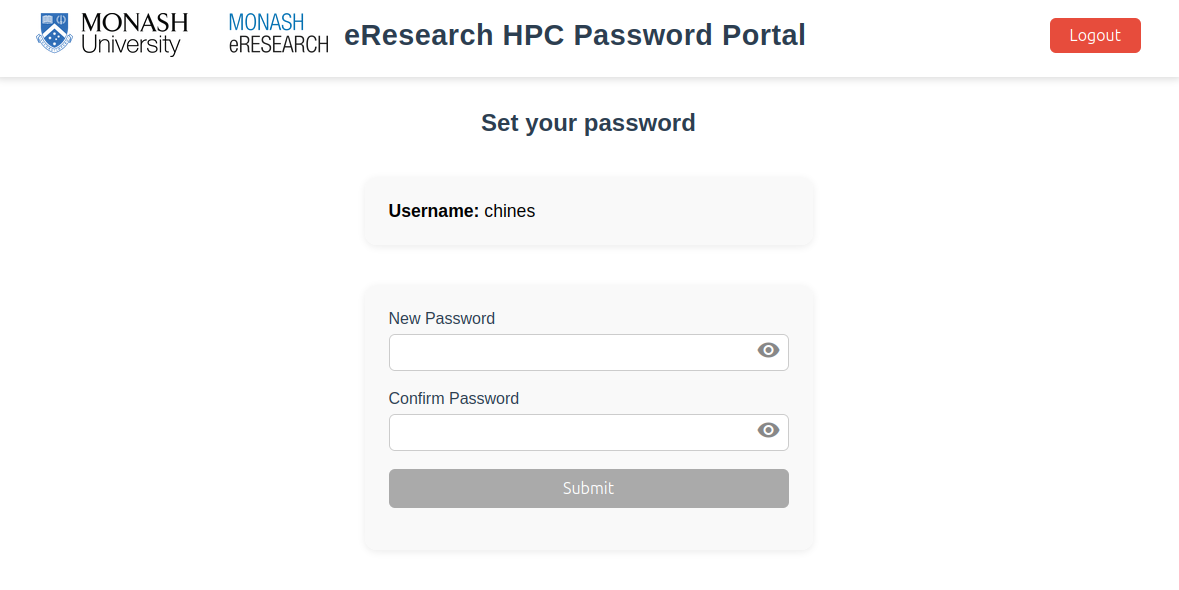
Your M3 password is not the same as your normal institutional password. When you sign in to HPC Password Portal, use your normal credentials, but when you log into M3, use your M3 HPC username and password (unless you're using Strudel, where you can use your organisation's normal authentication method like Okta or AAF).
You must never share your M3 password with anyone else. Do not share your password with any of your collaborators, and do not share your password with any M3 HPC admins. An admin will never request you to share your password. Sharing your password breaches the M3 Terms of Use.
If you are found to have shared your password, your M3 account will be locked and you will lose access to M3. Depending on the severity of the breach, your access may be restored once you have changed your password.