Managing M3 Members after Provisioning
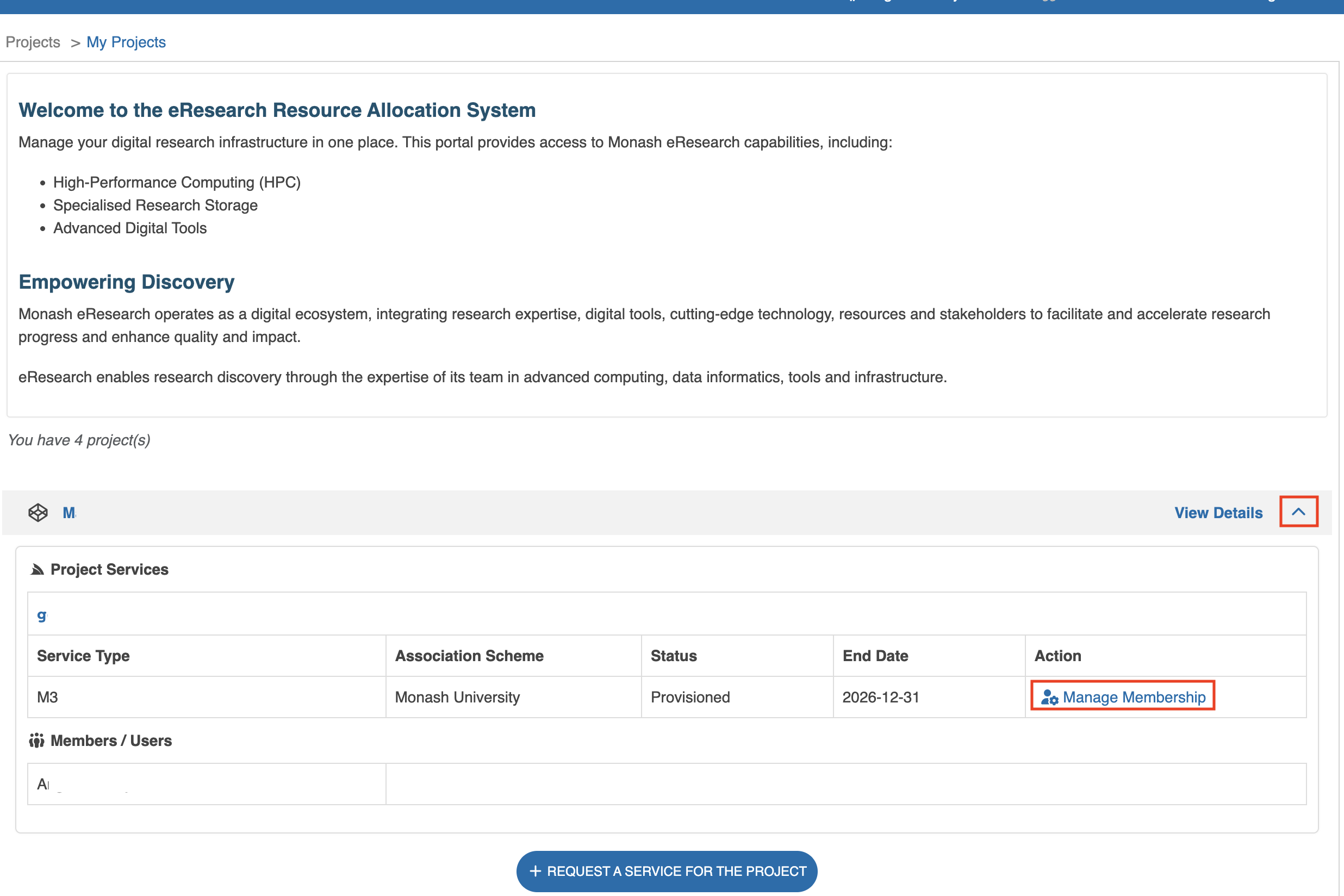
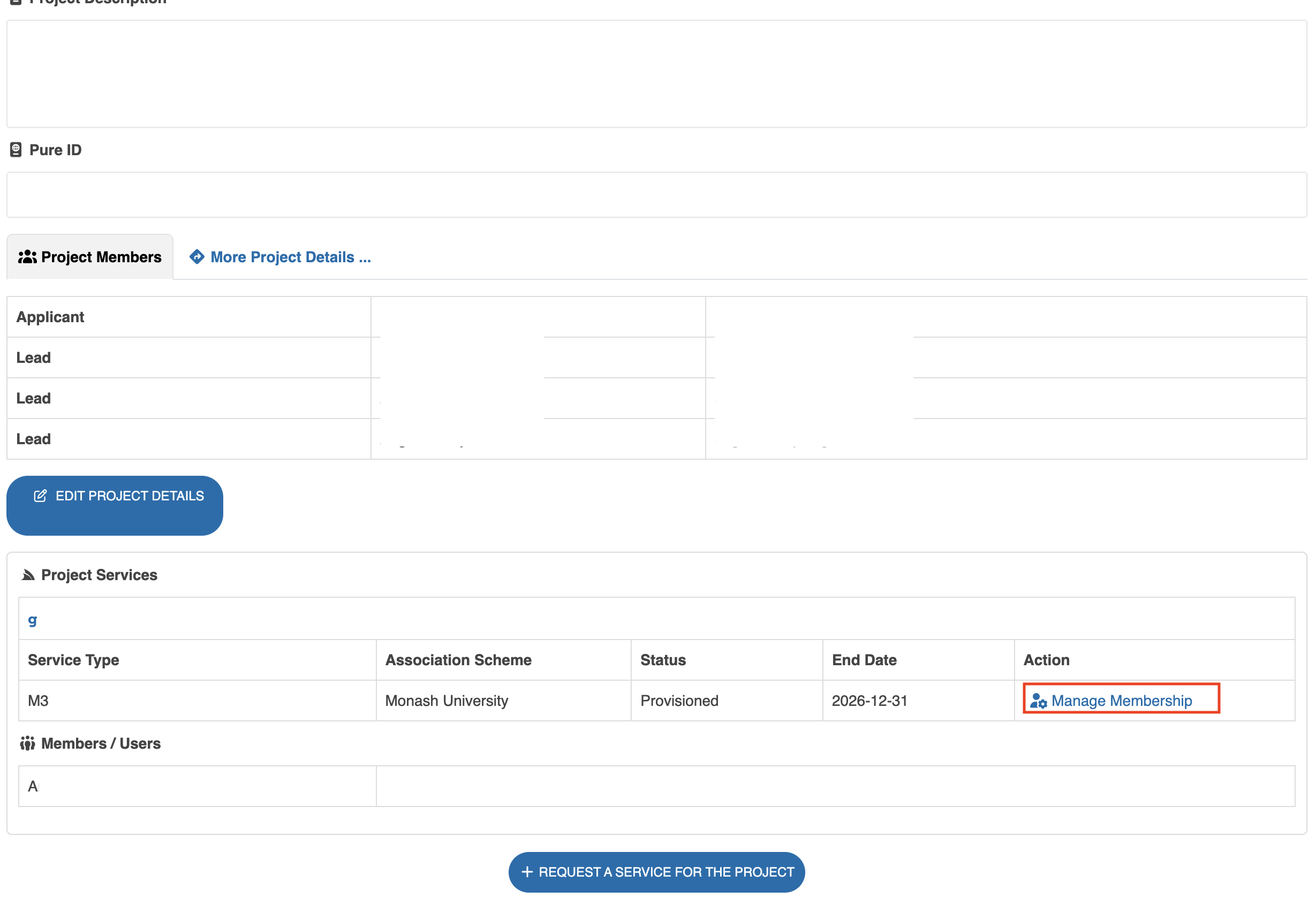
If you are an applicant or the project leader of a project, once a service is Provisioned, a Manage Membership action is available next to the service on the project page.
From your home page, expand your project to see this option:
From your project details page, you can also access this option:
Typical actions you can do when managing your service member include:
- Add member – Search for a user and grant them access.
- Remove member – Revoke access for a user who no longer needs it.
If an account does not appear in the search results, you need to advise the user to first log in to the Allocation System. After they have logged in once, you should be able to find and add them.
Do not forget to click the Submit button when you are done managing your service members.
Changes to membership may take a some time to propagate to the underlying M3 systems. We endeavour to process these within the same business day.
We continue to streamline the workflow for new user provisioning. Thank you for your patience.