Update a Project
To update an existing project:
- Go to My Projects.
- Find the project you want to modify and click View Details.
- On the project page, click Edit Project Details.
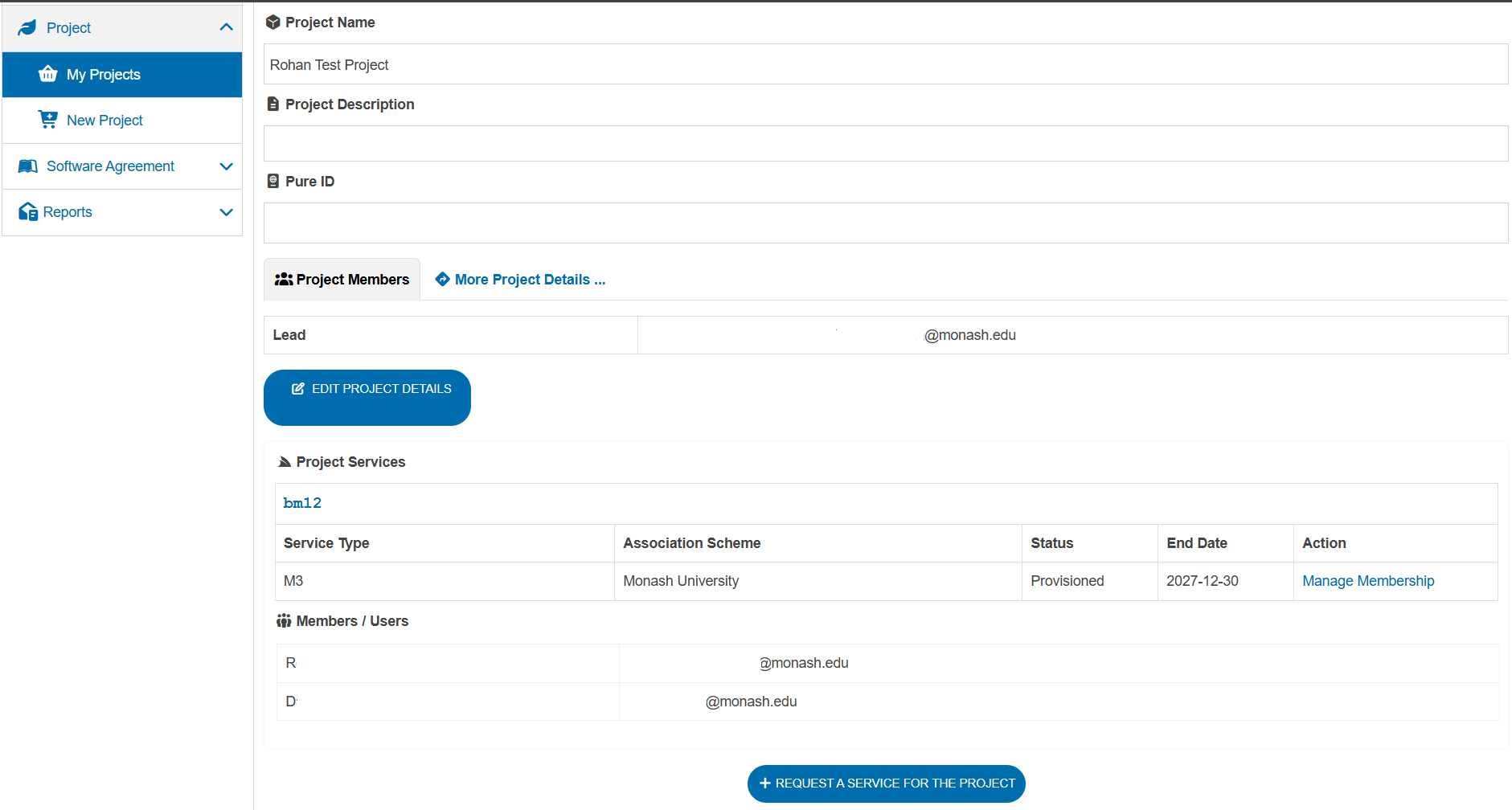
You can edit:
- Project name and description.
- Pure ID.
- Fields of Research and Socio-Economic Objective codes.
- Research grant information.
After making your changes, click Submit at the bottom of the page to save the updates.