Add or Modify the Project Leader
Each project must have at least one Project Leader (Chief Investigator).
When creating or editing a project:
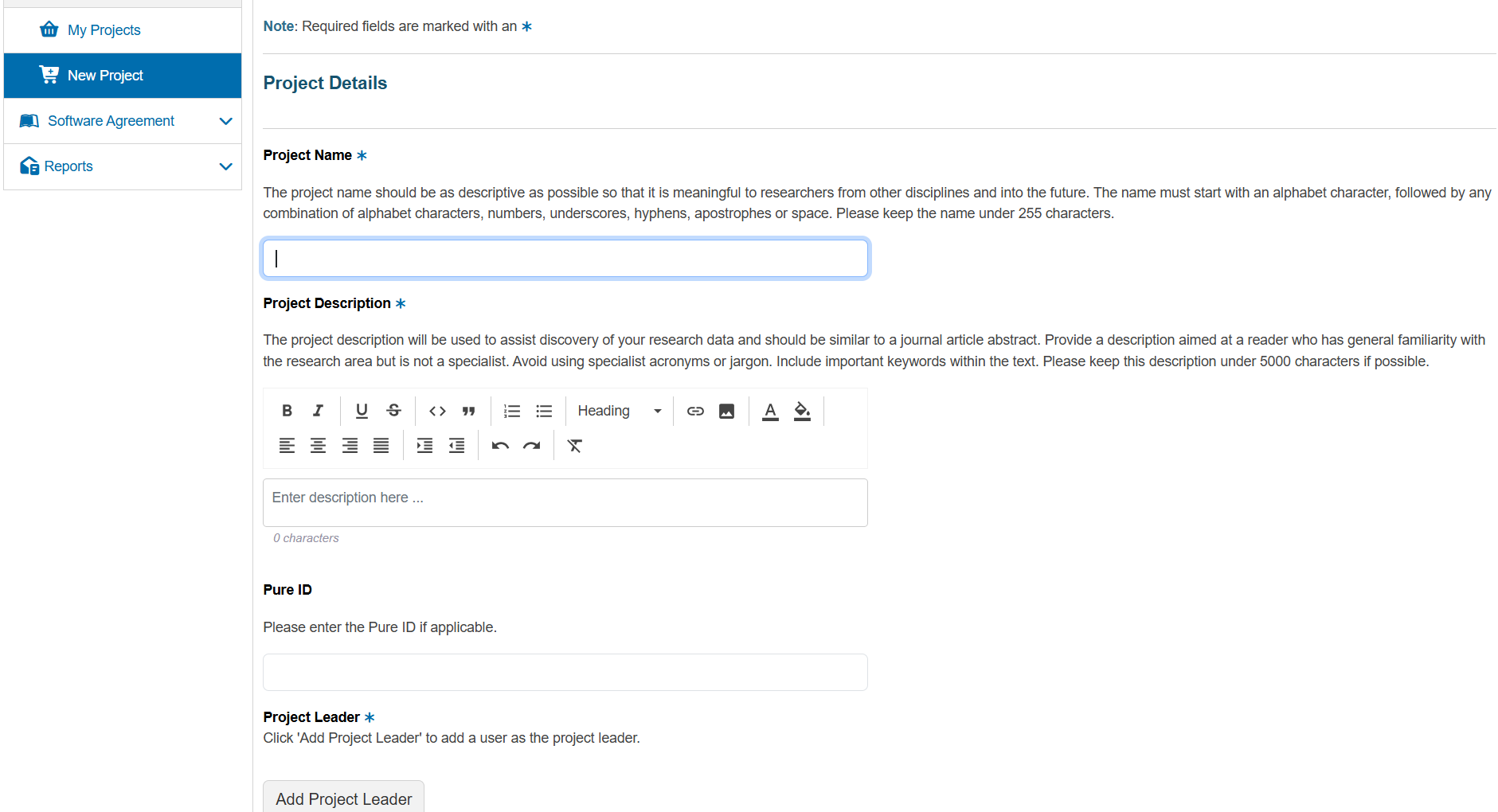
- Open the New Project form or Edit Project Details for an existing project.
- Locate the Project Leader section.
- Click Add Project Leader.
In the search dialog
- Search for the intended leader by name or email.
- Select the correct person.
- Confirm to add them as the leader.
To change the leader, remove the existing leader (if the UI allows) and repeat the steps above to add the new person.